Media Walls · 15 min read · 30 March 2026
Can I use the existing sockets for a media wall?
Often, yes. A socket that sits where the screen or console will cover it, clear of the bracket, can stay. When one is in the wrong place or there are too few, our team moves or adds points before any panel goes over the wall.

By Ali Haider Basra, Founder, Al Tareeq Decor · Contact our workshop
Key takeaways
- Keep an existing socket if the screen or console will hide it, it sits clear of the bracket plate and there are enough outlets for every plug.
- Put a socket behind the TV rather than running the TV's own power lead down inside the wall.
- Give an electric fire a socket of its own and plug it in directly, never through an extension lead.
- LED strip runs on 12 or 24 volts from a driver; decide where the driver plugs in and how the lights switch on before the panels close.
- Our own team moves and adds sockets; the quotation prices that work as its own item, and it is done while the wall is still open.
On this page
- Key takeaways
- The short answer
- Start with a list of everything that needs power
- How to tell whether an existing socket can stay
- Keep, move or add?
- The socket behind the TV
- Can the old low socket power the TV?
- Enough outlets inside the console
- Powering the soundbar and subwoofer
- Power for the LED lighting
- An electric fire needs a socket of its own
- Check the condition of what you already have
- Rented homes and building rules
- How the electrical work fits into your media wall
- Common questions
The short answer
Often, yes. An existing socket can stay if it ends up where the media wall needs power and will be hidden: behind the screen, inside the console or within a cabinet. It also has to be clear of the TV bracket, in sound condition, and part of a group of outlets big enough for everything you will plug in.
When a socket fails one of those tests, have it moved or add another before the panels go up, rather than working around it with adaptors later; our own team does that work while the wall is still open. Once decorative cladding covers the wall, every change to the power behind it means taking something apart.
Start with a list of everything that needs power
Before judging any socket, count the plugs. A media wall gathers more equipment than most people expect: the television, a soundbar and perhaps a wireless subwoofer, a streaming box or games console, the router if it lives in the living room, the lighting built into the wall and, on some designs, an electric fire. Each has a mains plug or a power supply, and each needs an outlet that stays reachable.
Note where each item will sit on the finished wall, because that tells you where its socket belongs, and include anything you plan to buy soon. The drawing shows a typical arrangement; your own list may be shorter or longer.
- 1. TV: a socket hidden by the screen, beside the bracket plate
- 2. Soundbar: a socket within reach of its own power cable
- 3. Console: one outlet per device, plus a spare
- 4. Fire: its own socket, beside it, never directly above
- 5. LED driver: on mains power, in a cabinet you can open
- 6. Conduit: HDMI and network only, sized for the plugs
- 7. Router: beside the fibre point, on a ventilated shelf
How to tell whether an existing socket can stay
Look at each socket with the finished design in mind. The first question is position: will the screen, the console or a cabinet cover it, or will it end up on show in the middle of a feature panel? A socket that lands on the face of slats or a marble-look board has to move or be cut around, and an outlet cut into a feature finish rarely looks intended.
The second question is access. A socket shut behind fixed cladding with no way in is useless the day a plug needs changing. The third is number: one double socket for six or seven plugs leads straight to stacked adaptors. The fourth is condition, which has its own section further down.
If the room was set up for a TV on a stand, its sockets are probably low on the wall, close to where the stand was. Those often still serve the console well, since it sits low too. What they cannot do on their own is power a screen hung at eye level. The table sums up the decisions we make most often.
Keep, move or add?
A low socket where the console will stand
- Our recommendation
- Keep it for the devices in the console
A socket where the TV bracket plate will fix
- Our recommendation
- Move it sideways, still inside the screen's outline
A socket that would show on the face of a feature panel
- Our recommendation
- Move it behind the screen, into the console or into a cabinet
No socket behind the planned screen position
- Our recommendation
- Add one there for the TV
One double socket for many plugs
- Our recommendation
- Add outlets inside the console instead of relying on adaptors
An electric fire in the design
- Our recommendation
- Add a socket for the fire alone, placed as its manual requires
Scorch marks, crackling or heat at a socket
- Our recommendation
- Show it at the visit so it is dealt with before anything covers it
The socket behind the TV
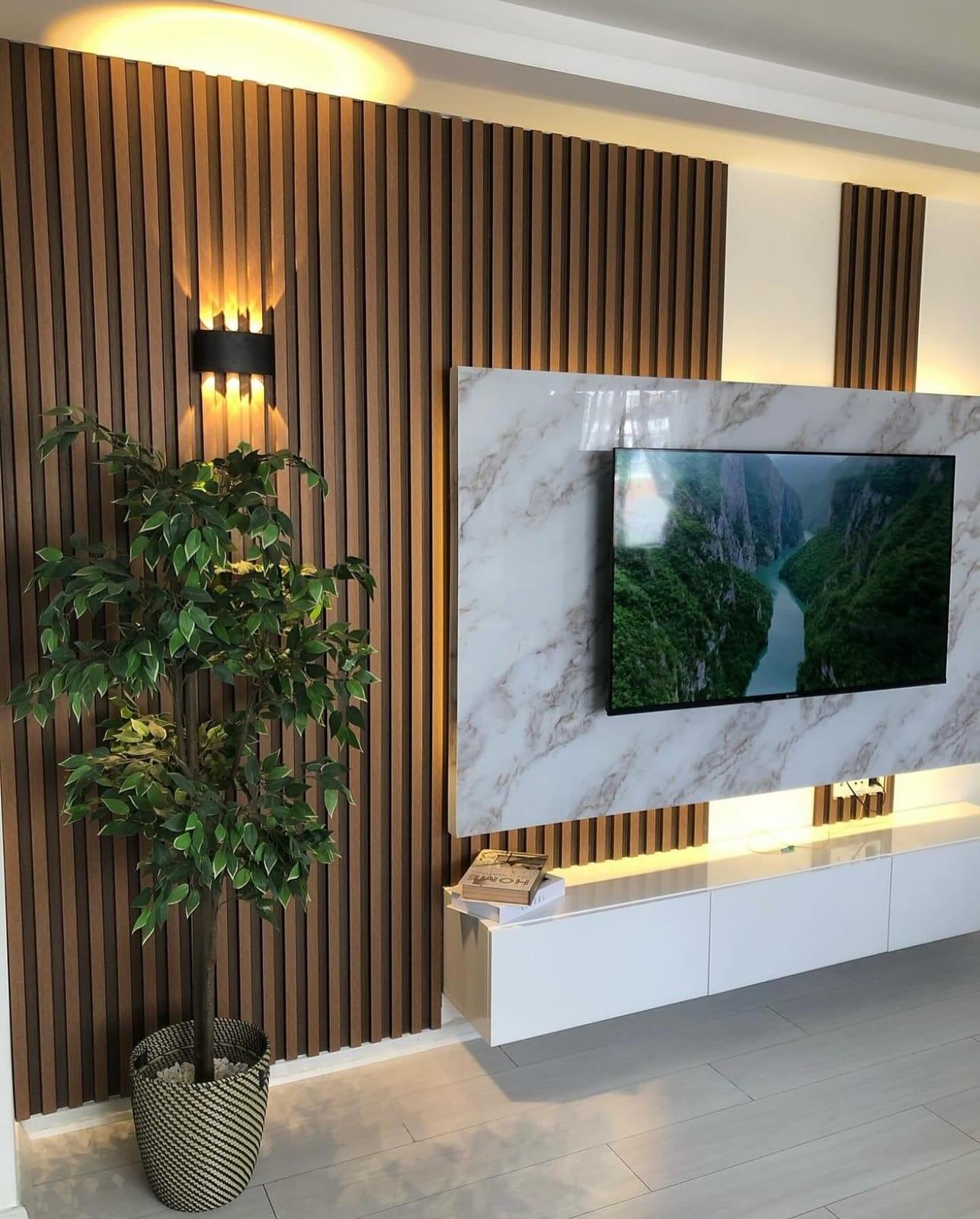
A wall-hung television needs power close by, and the tidiest place for it is behind the screen. Put the socket inside the outline of the set so the TV hides it, but beside the bracket plate rather than under it. An outlet under the plate either stops the bracket sitting flat or leaves the plug nowhere to go.
Plug size matters more here than anywhere else on the wall. The UAE uses the BS 1363 system, the large three-pin plug with a fuse inside it, and the plug body plus the bend of its cable needs real space. A slim bracket leaves very little; Samsung describes its Mini wall mount as holding the screen about 2 to 4 cm from the wall. Compare the gap your bracket leaves with the plug you will use, or set the socket in a recess in the backing panel so the plug sits below the surface.
Think about the day the screen comes off, too. Whoever lifts the TV later must be able to reach the plug, so keep it where a hand can get to it once the set is off the bracket. If you also want a network cable or aerial lead at the screen, put those outlets in the same area so every connection comes out in one place. Where a later, larger TV might sit is part of our article on planning for a future TV.
Can the old low socket power the TV?
It is tempting to keep things simple: hang the TV, drop its power lead through the wall and plug it into the existing socket near the floor. Do not do that with the TV's own lead. Ordinary appliance cables are not designed to be buried in a wall, and Samsung's UAE advice is to use cables and kits rated for in-wall use whenever cords go through a wall.
There are two proper ways to make use of a low socket. One is a fixed socket behind the screen, wired from the existing circuit by an electrician. The other is an in-wall power kit, a product that carries power from a low inlet to an outlet behind the screen, which Samsung lists among the items to have ready for wall mounting. Since our own team adds sockets as part of the job, a fixed socket behind the screen is usually the simpler choice on a media wall, and nothing extra shows on the panel.
Signal cables are a different matter. HDMI, network and aerial leads can run inside the wall through a conduit sized for their plugs, a route described in our planning guide. Keep power and signal in separate routes rather than bundling them into the same tube.
Enough outlets inside the console
The console is where plug counts get out of hand. A streaming box, a games console, a receiver and the router can fill a double socket twice over, and the easy fix, a multi-way adaptor pushed to the back of a closed cupboard, is exactly what electrical safety groups warn against.
Electrical Safety First advises checking the rating of any extension lead before loading it. Most are rated at 13 amps, but some older leads and many cable reels manage only 10 amps or less, and a reel still wound up can be rated as low as 3 or 4 amps. The charity also warns against plugging one extension lead into another, because the plug in the wall socket can overheat.
Our recommendation is to fit the console with enough fixed outlets for every device you own, plus one spare. If you still want a single good-quality extension lead for low-power electronics, keep it within its rating, let it lie flat where air reaches it, and never put a heater or electric fire on it. If controllers are to charge in a drawer, the drawer needs an outlet and a slot for the cable, which is far easier to build in than to add later.
The router deserves a word of its own. If it lives on the media wall, put its socket right beside the incoming phone or fibre point, and give it an open shelf or a ventilated bay rather than a sealed cupboard, since it stays switched on day and night.
Powering the soundbar and subwoofer
A soundbar needs two connections: mains power and, usually, an HDMI cable to the TV's eARC or ARC port. Both cables come in fixed lengths. The Sonos Arc Ultra, for example, arrives with a 2 m power cable and a 1.5 m HDMI cable, and Sonos says to use only the power cable supplied. That makes the socket position a design decision rather than an afterthought.
If the bar stands on the console, its socket can sit inside the console. If it is fixed under the screen, a socket in the area behind the screen, close to the bar's power inlet, keeps its power cable short and hidden; only the HDMI lead then needs to reach the TV's port, through the conduit if the port is not close by. Check both distances on the drawing before the panel is made.
A wireless subwoofer still needs mains power. Give it a low socket near where it will stand, so its cable does not cross the floor. Choose the soundbar and subwoofer before the electrical layout is fixed, because each model has its own cable lengths and placement rules; the gaps a soundbar needs around it are part of our article on timing the TV purchase.
Power for the LED lighting
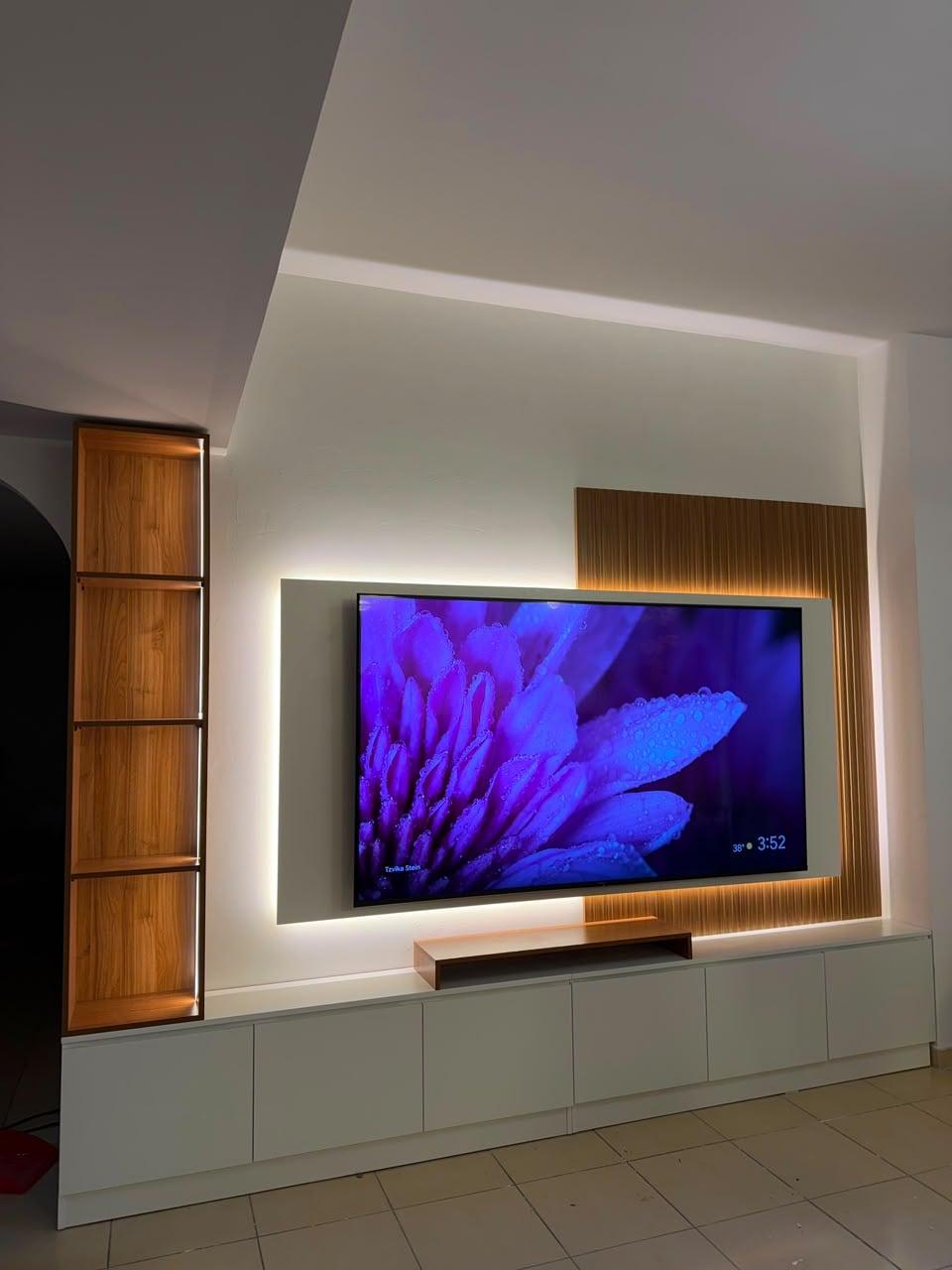
The glow around a TV panel or inside display shelves usually comes from LED strip, and LED strip does not plug straight into the mains. Most strips run on 12 or 24 volts of direct current from a power supply, often called a driver, and it is the driver that connects to the mains. So the question is not only where the light goes, but where its driver sits and how it gets power. Our guide to backlight, shelf and groove LEDs shows which layers need a driver and how to keep glare off the screen.
There are two common arrangements. The driver can plug into a socket inside the console or a cabinet, which keeps the work simple and the driver reachable. Or it can be wired to a wall switch, so the wall lights come on like any other room light. Both work, and the choice comes down to control: a remote-controlled receiver or a smart plug suits people who want to dim from the sofa, while a switch by the door suits a household that prefers one familiar control.
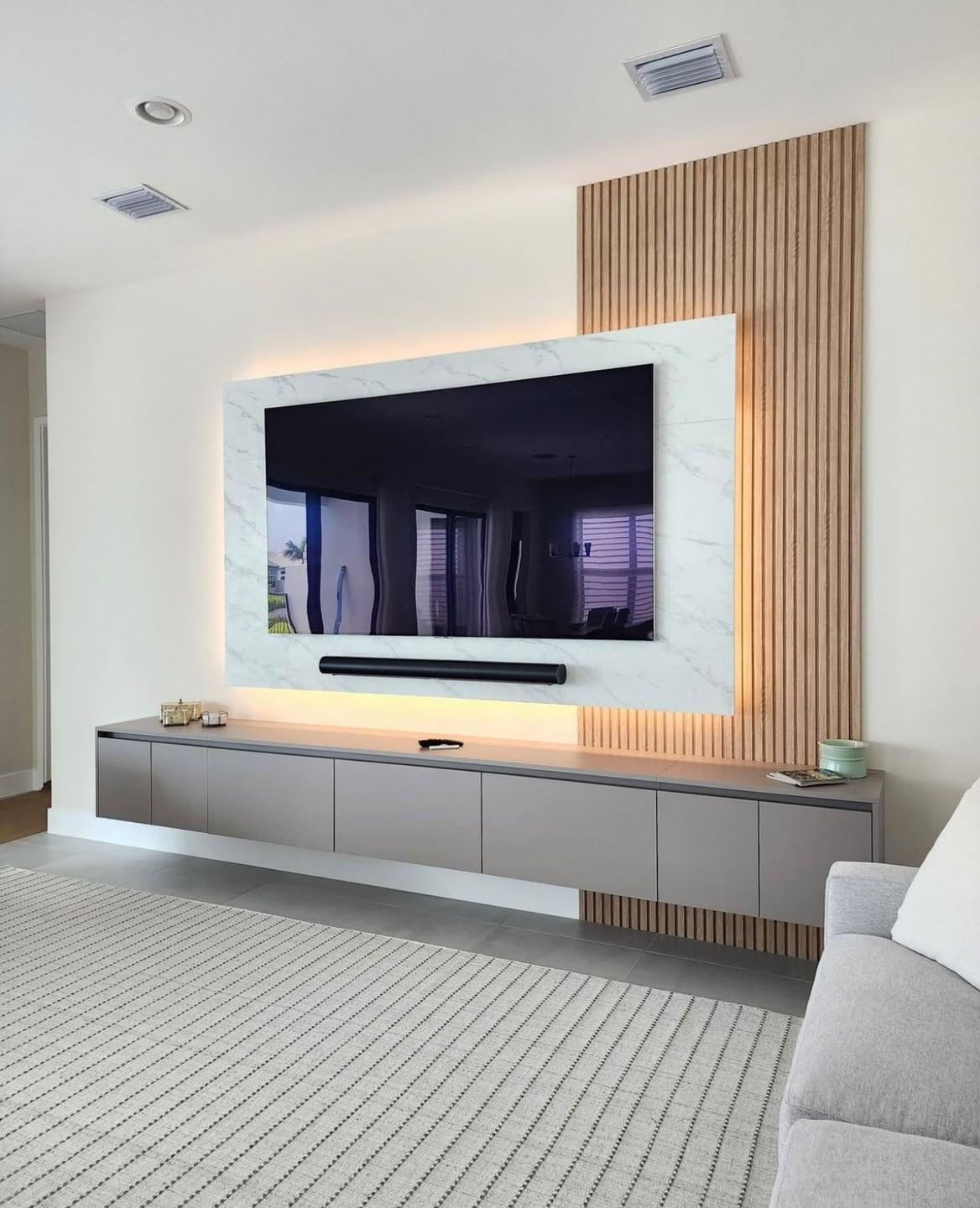
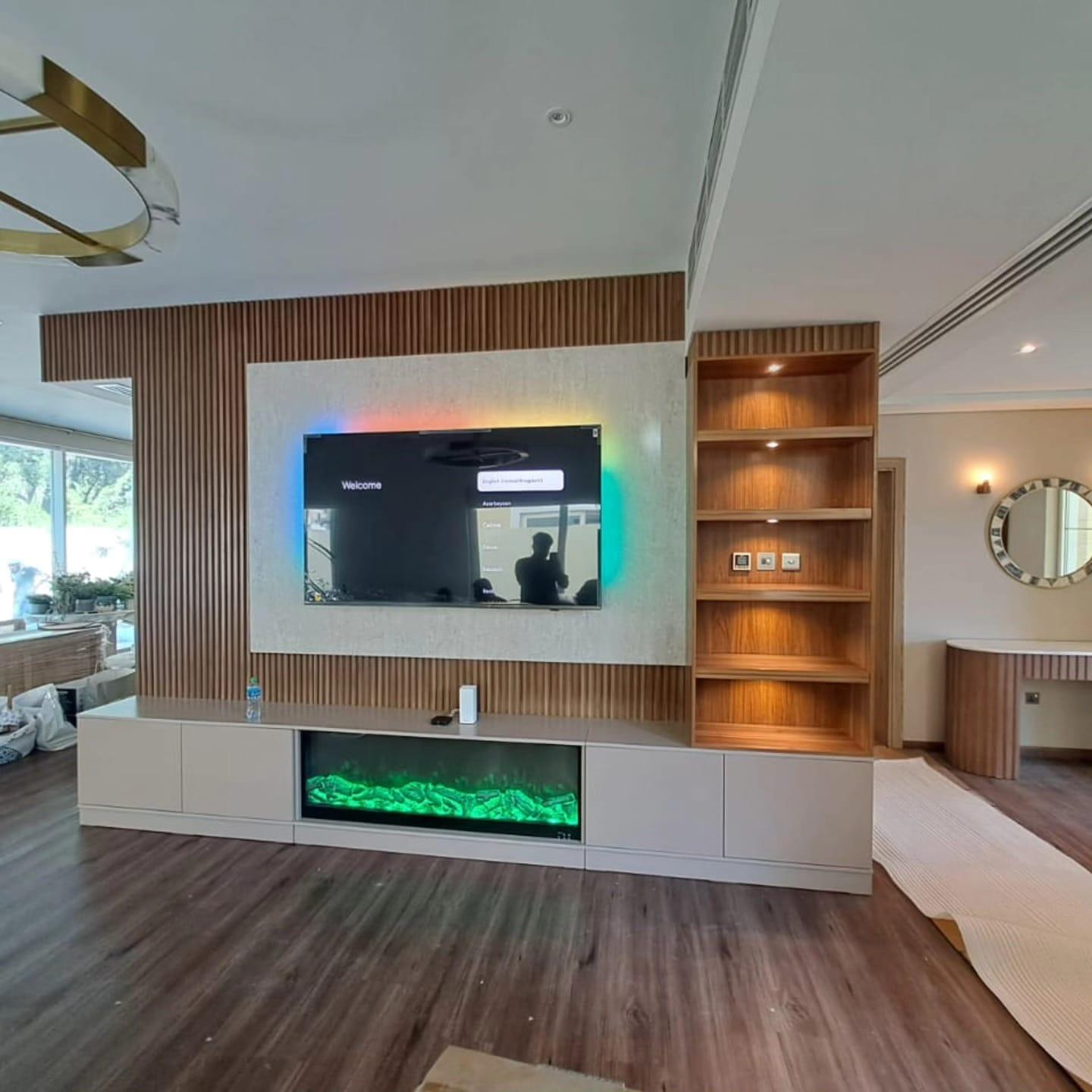
Switch plates need the same thought as sockets. Decide whether the wall's lighting switch belongs by the door with the room's other switches or on the media wall itself. A plate on the face of a feature panel is hard to make look right; a shelf back, a cabinet end or the plain wall beside the joinery is usually neater, as in the villa photograph in the next section.
Long runs need a little more planning. Strips fed from one end lose some voltage along their length, so a very long run can look dimmer at the far end than near its driver. On a full-width wall it can make sense to feed the strip at more than one point, or to split it into runs with their own drivers. Whatever the arrangement, keep every driver reachable, as our guide to cable and service access explains.
An electric fire needs a socket of its own
An electric fire is the one item on a media wall that should never share an adaptor. Fire makers are blunt about it: Lumo's current manuals for its Comfort and Aura ranges tell owners never to use an extension lead and to connect the fire to a suitable earthed socket close by. If the supplied cable does not reach, the answer is to move or add a socket, not to lengthen the cable.
Position matters as much as the connection. The same guidance says the plug should stay accessible after installation, the heater must not sit immediately below a socket, and the mains cable should run behind the appliance, away from hot parts. Some manuals go further and say no other appliance should share the circuit, so the circuit itself needs checking, not only the outlet.
The electrical figures also vary from one range to the next, even within a single brand, and the maker warns against copying them across. Take them from the manual for the exact fire you are buying, rather than a lookalike model or a showroom display.
That is why the fire's socket should be planned from the fire's own manual, at the same time as its opening is drawn. Heat matters for the screen above too, so keep the TV within its maker's temperature limit and follow the clearances in the fire's instructions. Our range of fire-and-TV media walls shows how a fire, a screen and storage can share one wall.
Check the condition of what you already have
Before an old socket disappears behind new joinery, make sure it is worth keeping. Electrical Safety First lists the warning signs to act on: burn marks, buzzing or crackling sounds, fuses that keep blowing, circuit breakers that trip, or a plug or socket that feels hot to the touch. Any of those deserves attention now, while the wall is still open.
The same charity recommends RCD protection, a residual current device in the consumer unit that protects against electric shock if a product develops a fault. If you know your home lacks one, or you are unsure, mention it at the visit. Tell us too about any socket that has given trouble in the past, even if it behaves today.
None of this needs test equipment on your part. Walk along the wall with the usual plugs in use, note anything that looks, smells or sounds wrong, and show us at the visit. A fault found at that stage is far cheaper to put right than one found after the panels are fixed.
Rented homes and building rules
Moving or adding a socket is building work, so if you rent, ask the landlord before it is agreed, and check whether the building management has its own rules or forms for electrical changes. Permits, if the building or a government body asks for them, are yours to obtain as owner or tenant; the drawing, which marks every new point, is a useful thing to show them.
Where new points are not allowed, plan around the sockets you have: keep the devices in a console near the low outlets, and ask the building which route for the TV's power it will accept before the design is fixed. Tell us about any restriction at the first visit, so the layout starts from it rather than meeting it at the end.
How the electrical work fits into your media wall
The free visit includes laser measuring, and every existing socket, switch and data point goes onto the plan. The drawing then marks each power point the wall will use, whether kept, moved or new, so you can check it against your equipment list before approving it.
Our own team carries out the socket moves and additions and connects the LED lighting built into the wall. The quotation shows the electrical work as its own item, so its scope is clear, and it is completed before any cladding goes over the wall. At handover, try every outlet you rely on with its equipment plugged in, and switch the lighting on and off from each control.
Before the panels go on, take a few photographs of the open wall with the sockets, conduit and drivers in view. Those pictures are the simplest record of where everything runs, and they save guesswork years later if a point needs to be found behind the finished cladding.
Prices start from AED 3,500 per project, with a typical build finished roughly 10 days after your go-ahead. For the bigger picture, read the media wall planning guide, see finished floor-to-ceiling media walls and floating consoles, or book a free visit. Customers near our Sharjah workshop can read about media walls in Sharjah.
Common questions
Can a socket go directly behind the TV?
Yes, and it is usually the neatest place. Keep it inside the screen's outline so the TV hides it, beside the bracket plate rather than under it, and make sure the plug has room in the gap the bracket leaves.
Can I run the TV's power cable inside the wall to the old socket?
Not the TV's own lead; ordinary appliance cables are not made to be buried in a wall. Use a fixed socket behind the screen, or an in-wall power kit made for the job. HDMI and network cables can run inside the wall in conduit.
Can the electric fire share an extension lead with the TV?
No. Fire makers tell owners to plug the fire straight into a suitable earthed socket and never to use an extension lead, and some ask for no other appliance on the same circuit. Plan a socket for the fire alone. Electric fireplace media walls.
Do the LED lights need their own socket?
They need power for their driver, which turns mains power into the 12 or 24 volts most strips use. The driver can plug into a socket in the console or be wired to a wall switch; decide which before the panels close.
How many sockets does a media wall need?
Count the plugs: TV, soundbar, subwoofer, each device in the console, the router, the lighting driver and any fire. A typical arrangement is one point behind the screen plus enough outlets in the console for every device, with one spare.
Is the electrical work included in the media wall price?
It is priced separately: the quotation shows it as its own item, listing which sockets move, which are new and which lights are wired. Our own team carries it out before any cladding goes up.
I rent my apartment. Can sockets still be moved?
Ask your landlord first, and check whether the building has rules or forms for electrical work. Any approval needed is arranged by you; the drawing, which marks every new point, is useful to show them.

Sources & specifications
Manufacturer information applies to the named products and systems. Sources reviewed on 27 October 2026.
- Samsung Gulf (UAE): what to know before wall mounting a Samsung TVsamsung.com(opens in a new tab)
- BS 1363: the fused 13 A plug and socket system used in the UAEen.wikipedia.org(opens in a new tab)
- Electrical Safety First: socket-outlet use, extension leads and overloadingelectricalsafetyfirst.org.uk(opens in a new tab)
- Lumo Fires: can you plug an electric fire into an extension lead?lumofires.com(opens in a new tab)
- Sonos: Arc Ultra user guide (placement, wall mount, cables in the box)sonos.com(opens in a new tab)
- LED strip light: 12 V and 24 V supplies, drivers and voltage dropen.wikipedia.org(opens in a new tab)
Want this planned for your home?
Consultation and measurement are free. Tell us the rooms, location and what you need; we arrange a sample visit and define the measured quotation.