Media Walls · 13 min read · 24 March 2026
What size TV suits a 3 m viewing distance?
From 3 metres, a 75-inch TV is the smallest that fills your view properly, 85 inches is the all-round choice and 98 inches gives a cinema feel. A chart for 2 to 4 metres, and how the size you choose sets the width of the media wall panel.

By Ali Haider Basra, Founder, Al Tareeq Decor · Contact our workshop
Key takeaways
- At 3 m, buy at least a 75-inch TV; 85 inches is our all-round pick, and 98 inches suits a room used mainly for films and games.
- Measure from your eyes to the screen surface, not wall to wall: a media wall's panel and console bring the screen closer.
- Use the 30° to 40° field-of-view range RTINGS publishes: 30° is the minimum for everyday viewing, 40° the cinema feel.
- Make the TV panel wide enough for the next size up, so a future upgrade does not mean a new wall.
- Buy a 4K set; at these sizes and distances there is no practical case for 8K.
On this page
- Key takeaways
- The short answer for 3 metres
- Why field of view decides the size
- Measure the real distance first
- Chart: TV size for distances from 2 to 4 metres
- TV size by viewing distance
- The distances behind each size
- Common TV sizes: distance and screen dimensions
- Three rules of thumb, compared
- News, sport, films and games
- When a smaller TV is the right answer
- Bedrooms and second rooms
- Resolution: 4K is all you need
- How the panel width follows the TV size
- Panel width that leaves room for the next TV
- A bigger TV is taller and heavier too
- Majlis and wide rooms
- Try two sizes on the wall
- Apartment living rooms
- Planning the wall around the size you choose
- Common questions
The short answer for 3 metres
If your eyes are about 3 metres from the screen, a 75-inch TV is the smallest size that fills enough of your view for comfortable everyday watching. An 85-inch screen is the size we would recommend to most families at that distance: noticeably more involving for films and sport, still relaxed for the news. A 98-inch screen at 3 metres gives the cinema feeling that dedicated film and gaming rooms aim for.
Those figures come from field of view, the share of your vision the screen fills, which is how RTINGS and the SMPTE guidance it draws on approach the question. The rest of this article explains that idea in plain terms, gives a chart for distances from 2 to 4 metres, and shows what the size you choose means for the media wall around it. Our media wall planning guide carries a short summary of the same approach alongside everything else a wall needs.
Why field of view decides the size
A screen looks big or small depending on how much of your vision it fills, not on its size alone. A 65-inch TV across a large majlis can look like a postcard; the same set in a small study fills the view. So the useful question is not how big a TV is, but how wide an angle it covers from your seat.
RTINGS explains the guidance this way. SMPTE recommends a screen that fills at least 30 degrees of your field of view for mixed use, which is a sensible minimum for a living room. Filling about 40 degrees gives a more immersive, cinema-like experience, and RTINGS calls that the safest balance between comfort and immersion. SMPTE's outer limit is 62 degrees; beyond that you start turning your head to follow the action.
RTINGS also stresses that its recommended size for a distance is the smallest it would suggest, not the perfect size for everyone. Read the 30° figure as a floor and the 40° figure as the comfortable upper end, and choose within that band according to how the room is used.
Measure the real distance first
The distance that matters runs from your eyes, sitting back in your normal position, to the surface of the screen. It is almost always shorter than the room measurement people quote. On a media wall, the backing panel adds depth, the console in front of it adds more, and a deep sofa puts your head well forward of its back legs.
Measure it with the sofa where it will actually stand. While the layout is still on paper, take the wall-to-wall dimension and subtract the depth of the media wall and console, and the distance from the back wall to where your head rests on the sofa. For example, a room 4.2 m deep, less about 0.45 m for the wall and console and about 0.65 m behind the viewer's head, leaves a true viewing distance of about 3.1 m.
In rooms with several seats, use the distance to the main seat for the size decision, then check the farthest regular seat. If that seat is much further back, it is a reason to go a size larger rather than smaller.
Chart: TV size for distances from 2 to 4 metres
The chart below turns the RTINGS ratios into sizes for the distances found in most UAE living rooms and majlis. The 30° column is the smallest size worth considering; the 40° column is the cinema size. Our pick sits between them, leaning towards the larger end, because a wall-mounted TV on a media wall is usually viewed from a little further away than people expect.
Where the calculated size falls between two common sizes, the chart names the nearest ones. Very large screens above 98 inches exist, but they are expensive and heavy, and RTINGS notes that at that scale a projector is also worth comparing.
TV size by viewing distance
2.0 m
- Everyday minimum (30°)
- about 48–50 in
- Cinema feel (40°)
- about 65 in
- Our pick for a family room
- 55 in
2.25 m
- Everyday minimum (30°)
- about 55 in
- Cinema feel (40°)
- about 75 in
- Our pick for a family room
- 65 in
2.5 m
- Everyday minimum (30°)
- about 60–65 in
- Cinema feel (40°)
- about 83–85 in
- Our pick for a family room
- 65–75 in
2.75 m
- Everyday minimum (30°)
- about 65–70 in
- Cinema feel (40°)
- about 85–98 in
- Our pick for a family room
- 75 in
3.0 m
- Everyday minimum (30°)
- about 75 in
- Cinema feel (40°)
- about 98 in
- Our pick for a family room
- 85 in
3.25 m
- Everyday minimum (30°)
- about 77–83 in
- Cinema feel (40°)
- about 98–110 in
- Our pick for a family room
- 85 in
3.5 m
- Everyday minimum (30°)
- about 85 in
- Cinema feel (40°)
- about 115 in
- Our pick for a family room
- 98 in
4.0 m
- Everyday minimum (30°)
- about 98 in
- Cinema feel (40°)
- beyond 115 in
- Our pick for a family room
- 98–100 in
Sizes are worked out from RTINGS' 30° and 40° distances (for instance 3.10 m for a 75 in set at 30°, and 2.98 m for 98 in at 40°) and rounded to common screen sizes. Our pick is a recommendation, not a standard.
The distances behind each size
Working the other way, from a TV you are considering to the distance it suits, is just as useful. The figures below are taken directly from the RTINGS tables, with the approximate screen width and height that decide how much wall the set needs.
Notice how quickly the width grows with each step. The jump from a 75-inch to an 85-inch set widens the screen by roughly 22 cm and makes it about 12 cm taller, enough to turn a panel that framed the old TV into one that barely contains the new one.
Common TV sizes: distance and screen dimensions
55 in
- Everyday distance (30°)
- 2.27 m
- Cinema distance (40°)
- 1.67 m
- Screen width (approx.)
- 121.7 cm
- Screen height (approx.)
- 68.6 cm
65 in
- Everyday distance (30°)
- 2.69 m
- Cinema distance (40°)
- 1.98 m
- Screen width (approx.)
- 144 cm
- Screen height (approx.)
- 81 cm
70 in
- Everyday distance (30°)
- 2.89 m
- Cinema distance (40°)
- 2.13 m
- Screen width (approx.)
- 154.9 cm
- Screen height (approx.)
- 87.1 cm
75 in
- Everyday distance (30°)
- 3.10 m
- Cinema distance (40°)
- 2.28 m
- Screen width (approx.)
- 166.1 cm
- Screen height (approx.)
- 93.5 cm
77 in
- Everyday distance (30°)
- 3.18 m
- Cinema distance (40°)
- 2.34 m
- Screen width (approx.)
- 170.4 cm
- Screen height (approx.)
- 95.9 cm
83 in
- Everyday distance (30°)
- 3.43 m
- Cinema distance (40°)
- 2.53 m
- Screen width (approx.)
- 183.7 cm
- Screen height (approx.)
- 103.4 cm
85 in
- Everyday distance (30°)
- 3.51 m
- Cinema distance (40°)
- 2.59 m
- Screen width (approx.)
- 188.2 cm
- Screen height (approx.)
- 105.9 cm
98 in
- Everyday distance (30°)
- 4.05 m
- Cinema distance (40°)
- 2.98 m
- Screen width (approx.)
- 217 cm
- Screen height (approx.)
- 122 cm
From RTINGS' size-to-distance and screen-size tables. Screen dimensions exclude bezels and vary slightly by model; always use the manufacturer's figures for the drawing.
Three rules of thumb, compared
Manufacturers publish their own shortcuts, and they do not all agree. LG's size guide, citing the same 30° guidance, says the viewing distance should be 1.2 to 1.6 times the screen diagonal. Samsung's support page for UAE customers suggests dividing the screen size by 0.55 to find the viewing distance, which works out at about 1.8 times the diagonal.
Applied to 3 metres, roughly 118 inches, those rules give quite different answers. LG's range points to about 74–98 inches. The RTINGS angles give about 73 inches at 30° and about 99 at 40°. Samsung's divisor gives about 65 inches. The Samsung figure is the most conservative of the three, the size at which you would never feel the screen is too large, while the field-of-view figures describe the size at which the picture properly fills the view.
We use the field-of-view approach because it is based on how much of your vision the picture fills, which is what actually makes a screen feel too small or too big. If someone in the household finds large screens tiring, the Samsung figure is a sensible floor.
News, sport, films and games
How the screen is used should move you within the 30° to 40° band. A household that mostly watches the news, talk shows and series is well served at the lower end; a larger screen adds little to a presenter at a desk. Sport rewards size, because a bigger picture makes the ball, the players and the score easier to follow from across the room.
Films and story-driven games are where the 40° end earns its place. RTINGS describes it as the distance for a more immersive cinematic experience and notes that it suits immersive games too. Fast competitive games are the exception: some players prefer a slightly smaller field of view so the whole screen, including the corners where the map and status sit, stays in view without moving their eyes.
When a smaller TV is the right answer
Bigger is not always better. A smaller screen is the right choice when the TV wall is narrow and a large set would crowd a doorway, a window or the curtains beside it; when strong daylight from a facing window would make a large, glossy screen hard to watch; or when the budget is better spent on a better panel than on extra inches.
RTINGS makes the same point about size against performance: it is better to choose a set that suits the room and then buy the best quality you can within the budget, rather than chasing size alone. A slightly smaller TV with a better picture often gives more pleasure than a larger one with weak contrast.
Bedrooms and second rooms
Bedrooms are usually smaller, and beds tend to sit nearer the screen than living-room sofas do. LG's guide suggests that a 50- or 55-inch set may suit a master bedroom, which fits the chart above for distances around 2 metres. Measure from the pillows to the wall, then read across. For a screen built into the wardrobe wall, see bedroom wardrobe with a TV unit.
Study rooms, children's rooms and guest rooms follow the same rule. Measure the real distance, choose within the 30° to 40° band and give the screen a panel with room to grow, because a TV moved from the living room after an upgrade often ends up in one of these rooms.
Resolution: 4K is all you need
Resolution used to limit how close you could sit, because a low-resolution picture showed its pixels on a large screen. That worry has largely gone. RTINGS points out that large TVs are now essentially all 4K, and it advises against paying for 8K because there is almost no 8K content to watch.
What matters more at large sizes is the quality of what you watch. Compressed streams can show blur and blocky artefacts, and a bigger screen makes them easier to notice. Choose a streaming plan or source that delivers proper 4K, and judge a TV on its picture quality as well as its size.
How the panel width follows the TV size
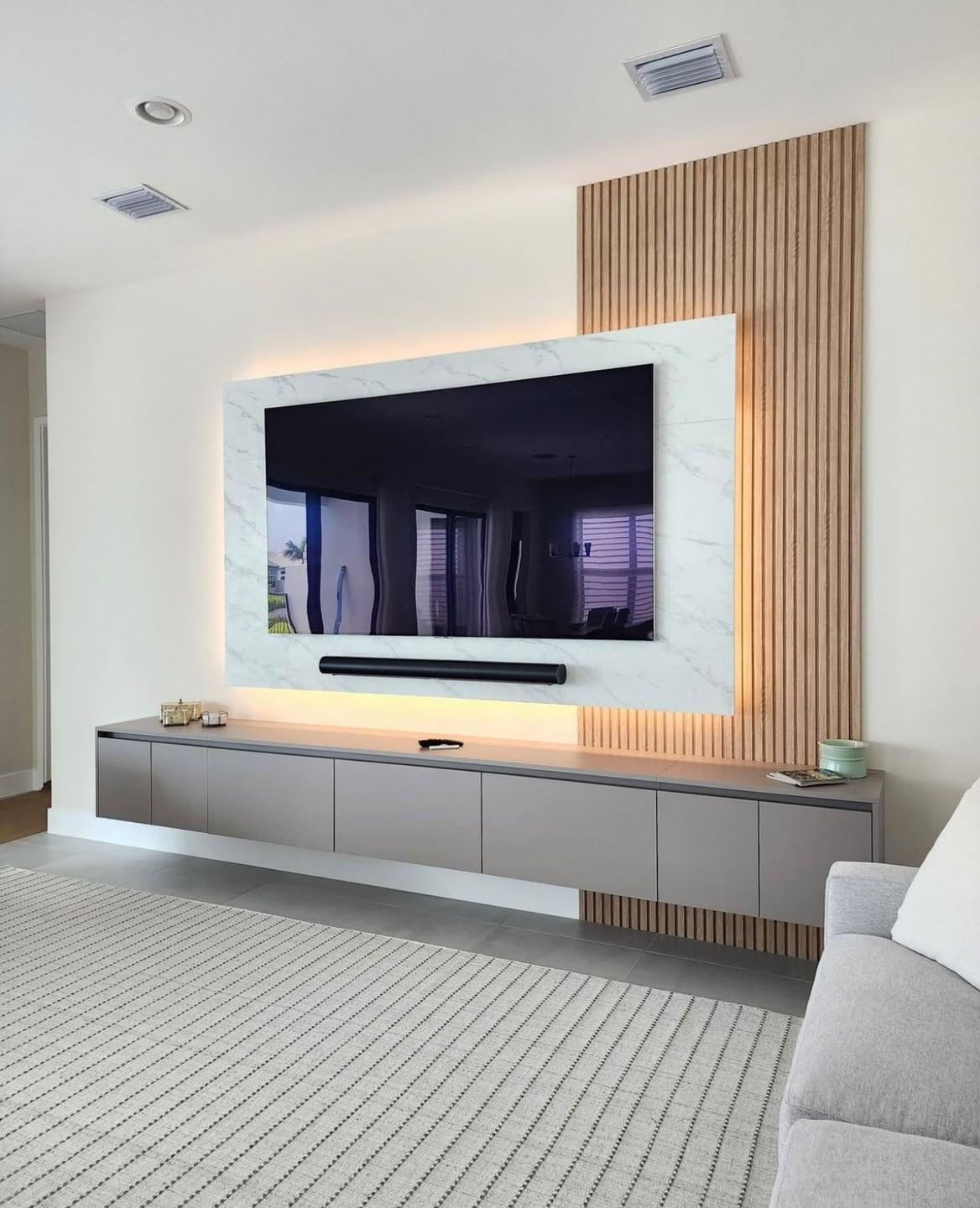
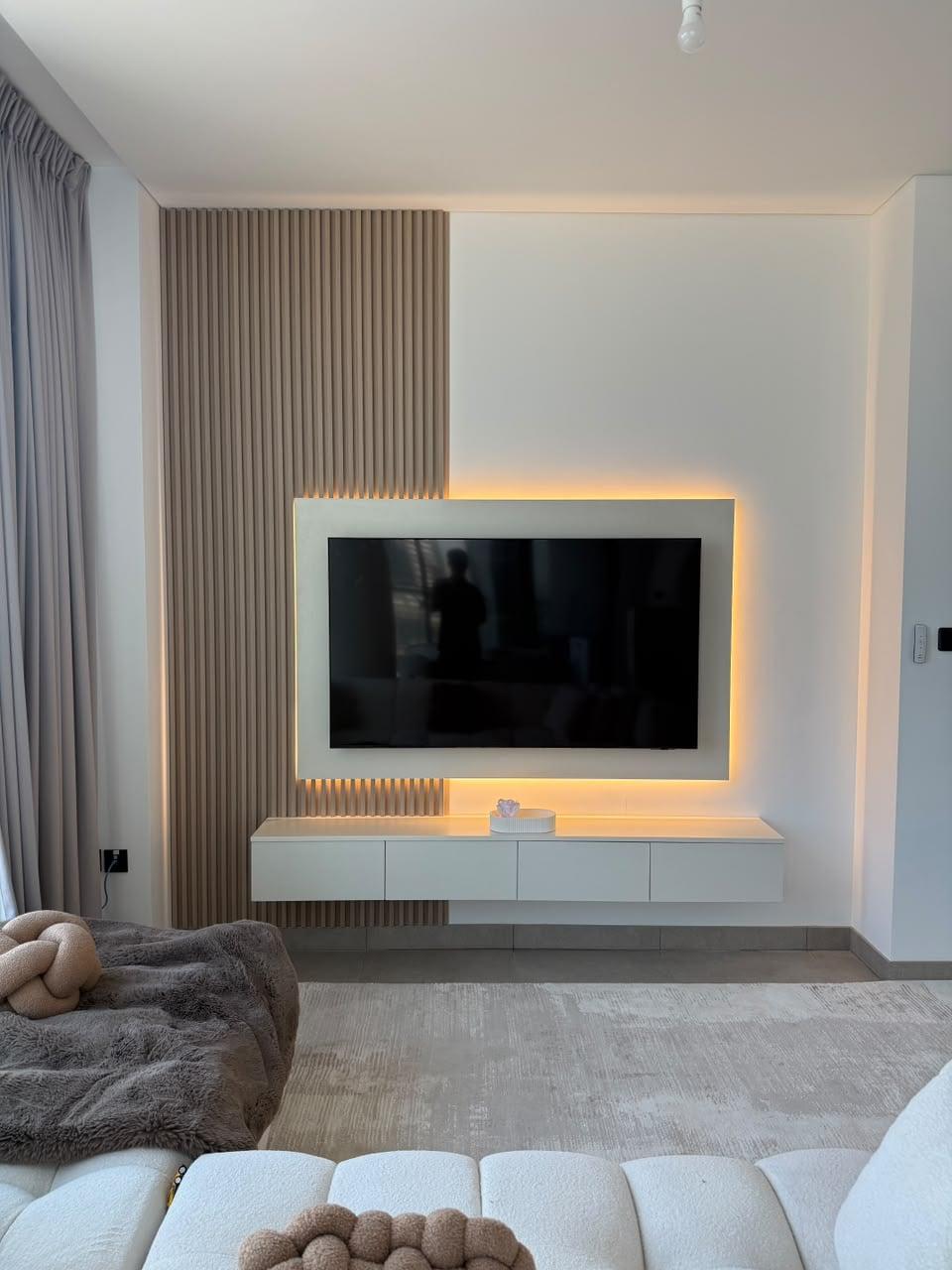
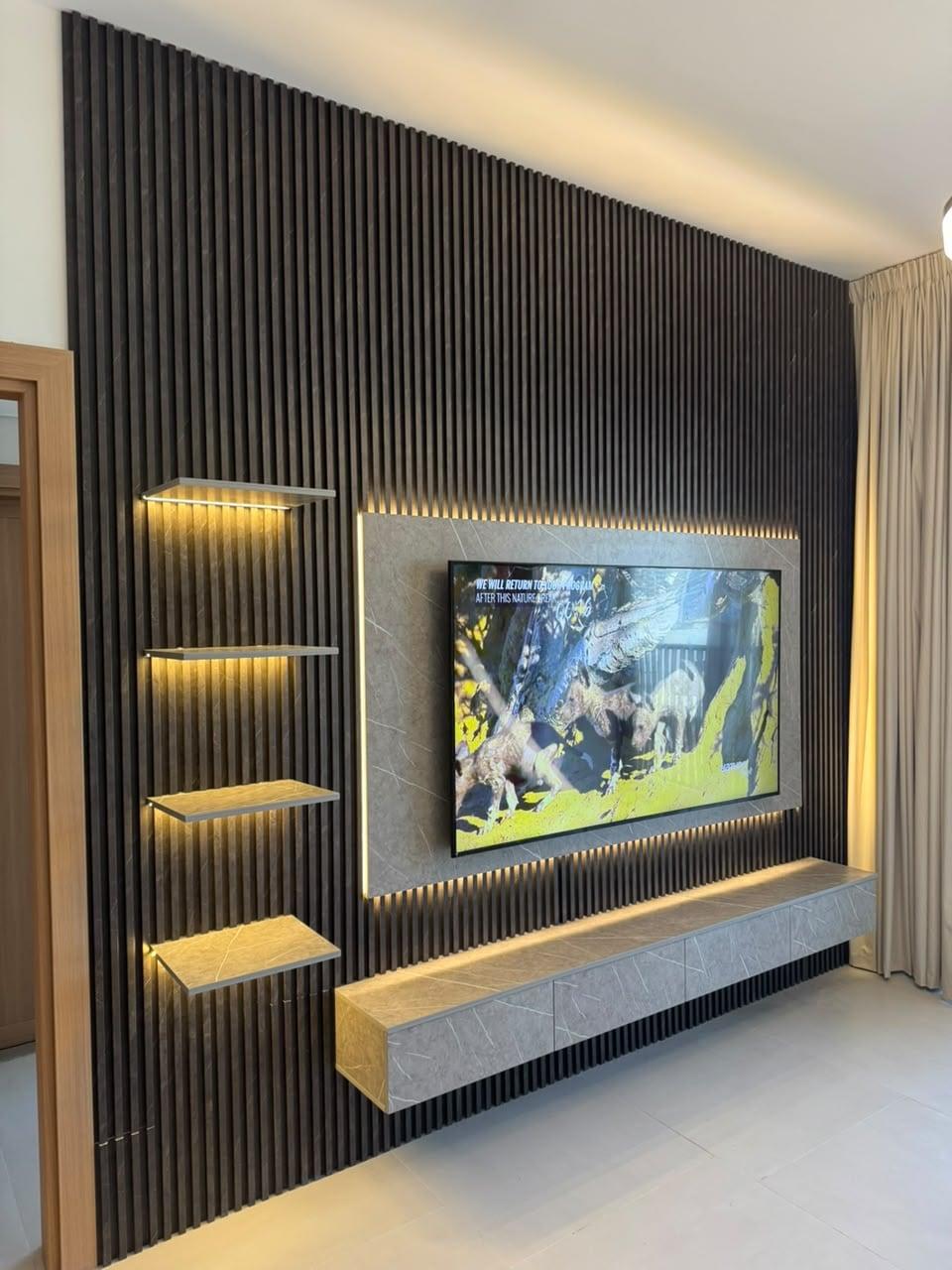
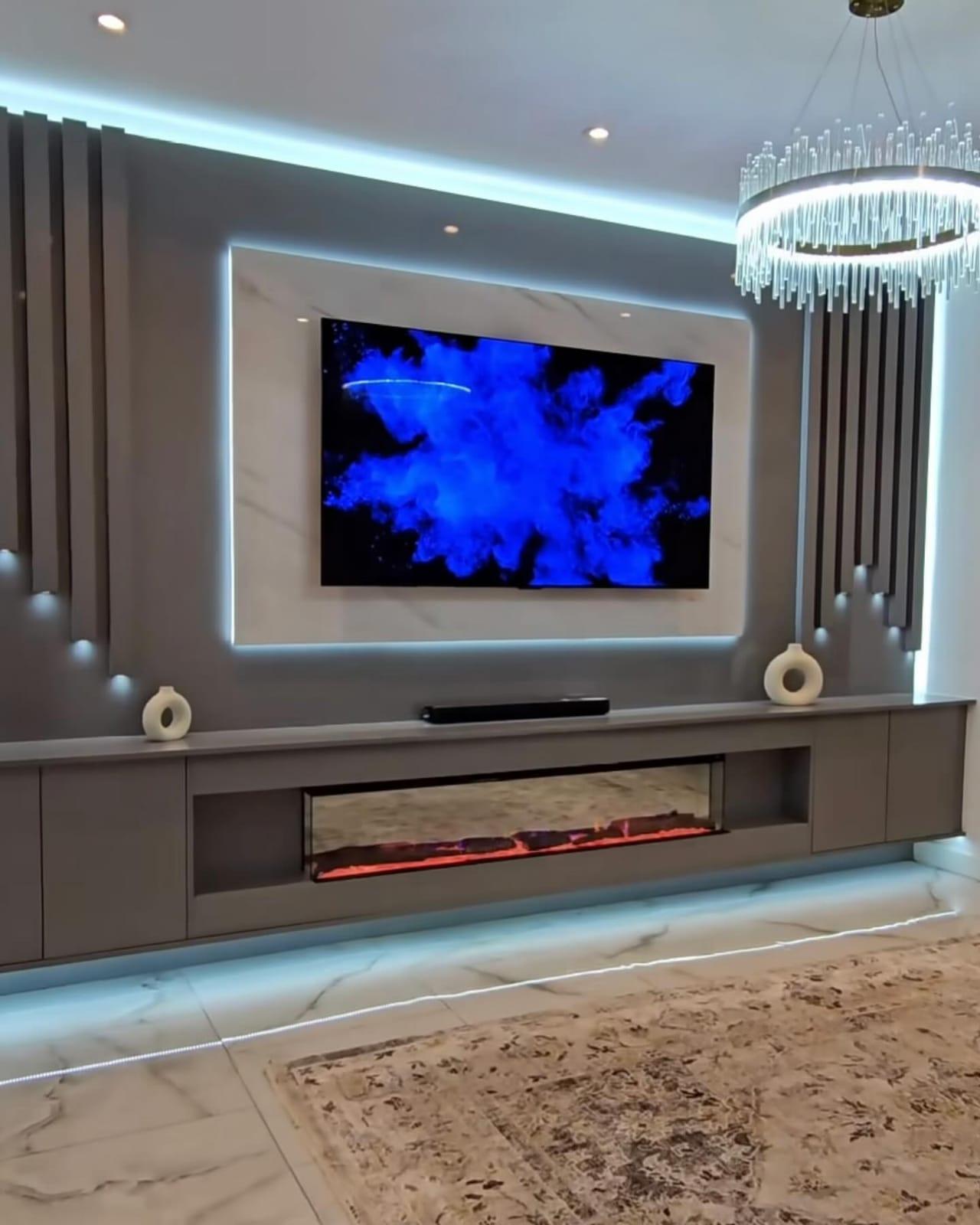
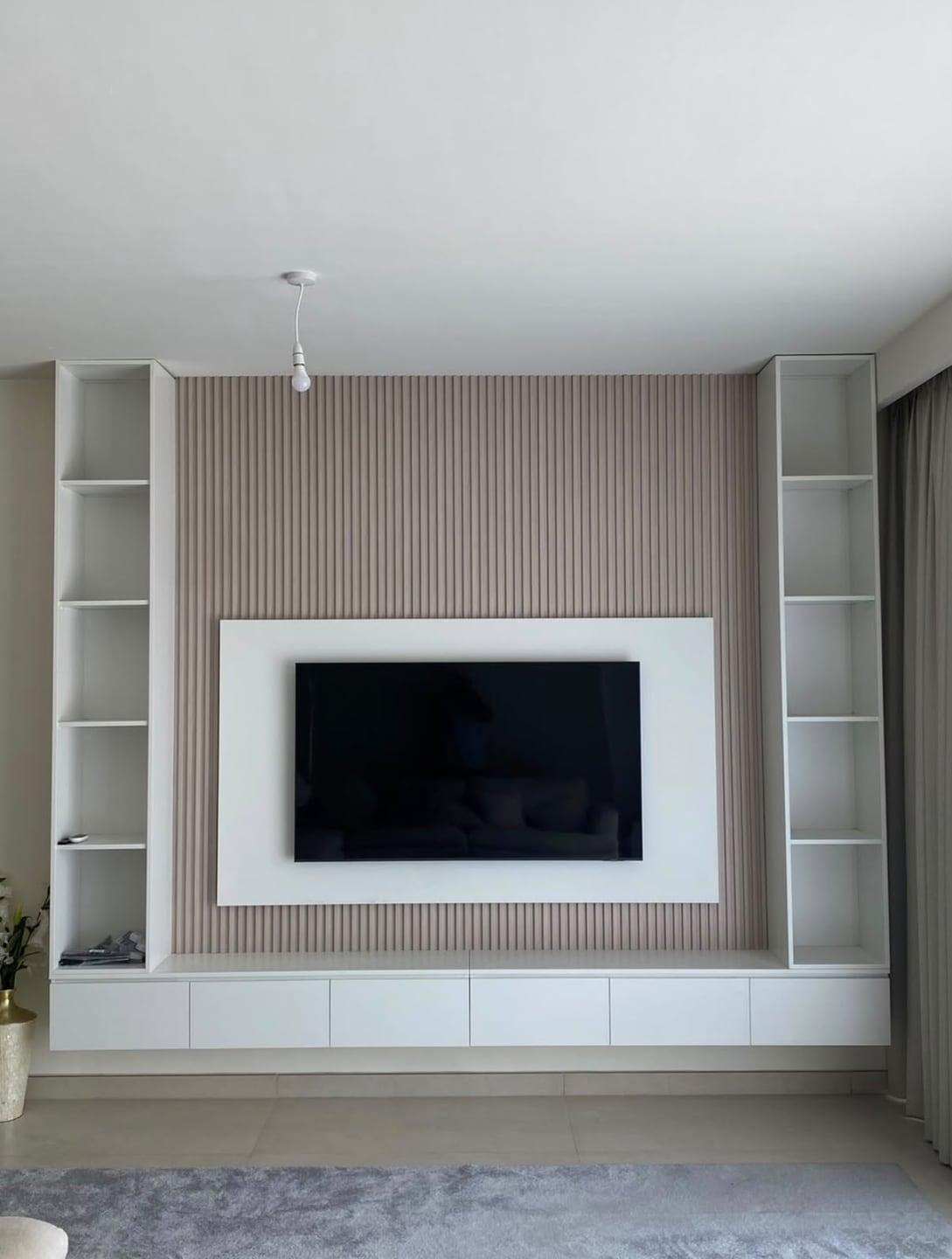
Media walls usually seat the TV on a backing panel that frames it, with slats, shelving or cabinets either side. That panel is sized from the screen, so the TV size needs to be fixed before the drawing is final. A panel only a few centimetres wider than the TV looks like a tight frame; a generous margin on each side makes the screen look deliberate.
The bigger risk is the next TV. Screens are replaced far more often than joinery, and the next set is usually larger. If the panel is drawn exactly around today's TV, a future upgrade either overhangs the panel or forces a rebuild. We therefore draw the panel around the larger set you might buy next, leaving at least 10 cm of margin on each side of it.
Panel width that leaves room for the next TV
55 in
- Its width (approx.)
- 121.7 cm
- Next size up
- 65 in
- Width of next size
- 144 cm
- Suggested minimum panel width
- about 164 cm
65 in
- Its width (approx.)
- 144 cm
- Next size up
- 75 in
- Width of next size
- 166.1 cm
- Suggested minimum panel width
- about 186 cm
75 in
- Its width (approx.)
- 166.1 cm
- Next size up
- 85 in
- Width of next size
- 188.2 cm
- Suggested minimum panel width
- about 208 cm
85 in
- Its width (approx.)
- 188.2 cm
- Next size up
- 98 in
- Width of next size
- 217 cm
- Suggested minimum panel width
- about 237 cm
Widths are RTINGS' approximate screen widths without bezels. The suggested panel adds 10 cm each side of the next size up; the measured drawing confirms the final width.
A bigger TV is taller and heavier too
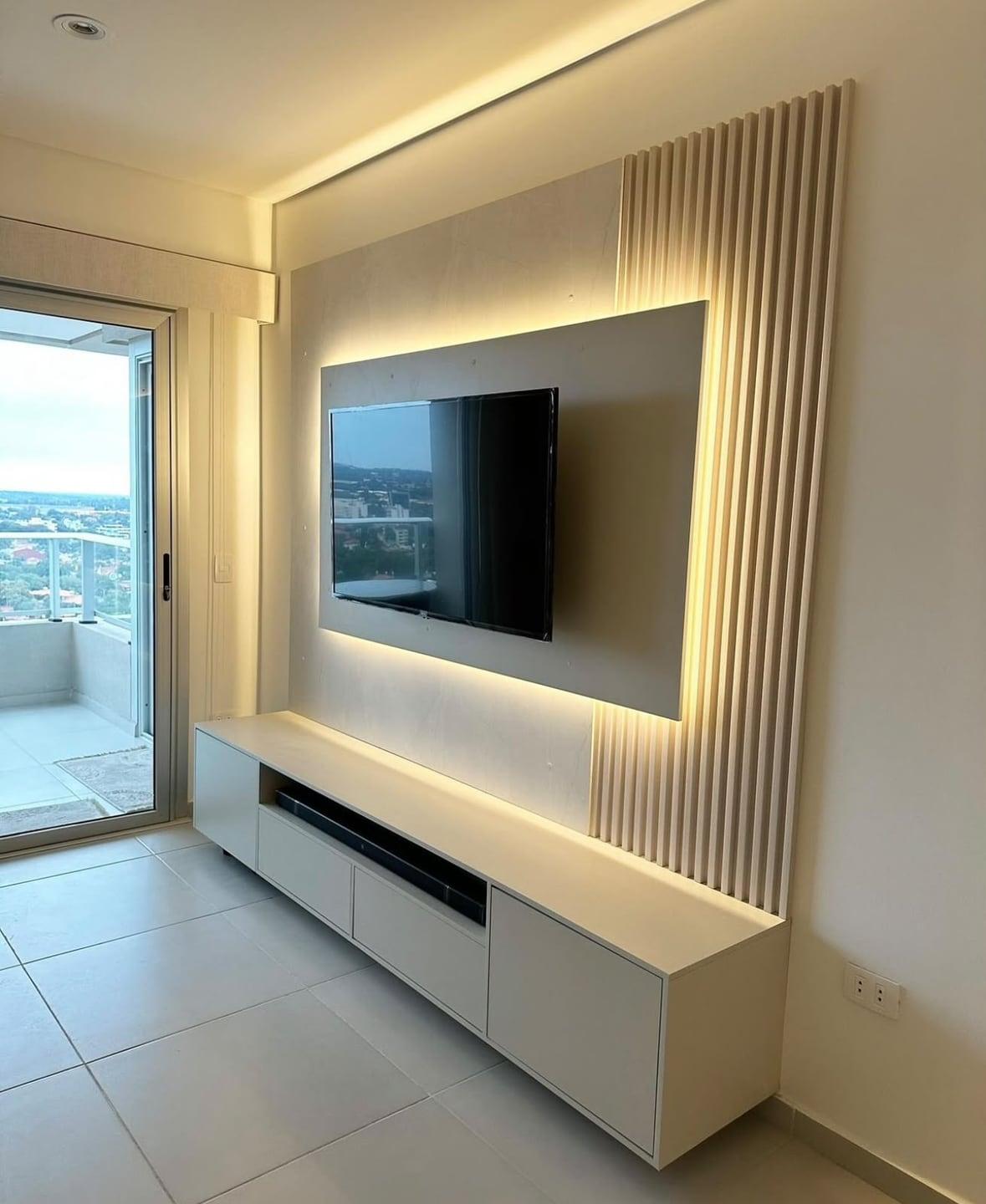
Size changes the height of the screen as well as its width. A larger TV hung with its middle at the same eye level has a lower bottom edge and a higher top edge, which affects the console beneath it and the lighting above it. Our guide to how high the TV should be on a media wall shows where the edges land for each size.
Weight rises quickly with size, and the bracket has to be rated for it. The VESA standard sets out larger square hole patterns and stronger screws for heavier screens, so a 98-inch set uses a heavier-duty mount than the 65-inch one it replaces. Decorative slats and marble-look facings carry no load; the frame behind the TV is designed for the actual screen. Our panels themselves are made from MDF, WPC, PVC or solid timber, whichever suits the wall and the look you want.
Check delivery as well. A 98-inch box needs a clear route through the building's lift, corridors and doors, and two or more people to handle it.
Majlis and wide rooms
In a majlis, seating usually runs around the walls, so many guests watch from the side and from further away than the centre seat. Size the TV for the distance to the seats that face it, then check the seats along the side walls. If several regular seats are much further back, choose the larger size from the chart.
Viewing from the side is the other issue. Some panel types lose contrast and colour when watched at an angle, and that matters more in a wide room than in a narrow living room. Read independent reviews of the specific model's viewing angles before buying a set for a majlis, and hang the screen where the greatest number of guests sit facing it. Meeting rooms and boardrooms have the same far-seat question; our office media wall design guide sizes the screen from the farthest chair.
Try two sizes on the wall
The quickest way to settle the size is to see it. RTINGS suggests mapping the TV's outline on the wall with painter's tape, and that works especially well when you mark two sizes at once, one inside the other. Sit in the main seat and look at both outlines for a few minutes, then again in the evening with the room lights on.
Use the real width and height from the manufacturer's specifications, not the diagonal, and put the middle at your seated eye height so the outline sits where the screen will. If both outlines feel comfortable, the larger one is usually the better long-term choice, since the next TV is rarely smaller.
Apartment living rooms
In many UAE apartments the sofa ends up between about 2.4 and 3 metres from the TV wall once a media wall and coffee table are in place. Read across the chart for that range and the sensible sizes run from about 65 to 85 inches, with 75 inches the comfortable middle for most open-plan living and dining rooms.
Apartment walls are often shorter and broken up by a balcony door, a window or a passage, so check the width as carefully as the distance. A compact panel and console around a 75-inch screen can look better than a wall-to-wall unit squeezed around an 85-inch one, and it keeps the curtains and the route to the balcony clear.
Planning the wall around the size you choose
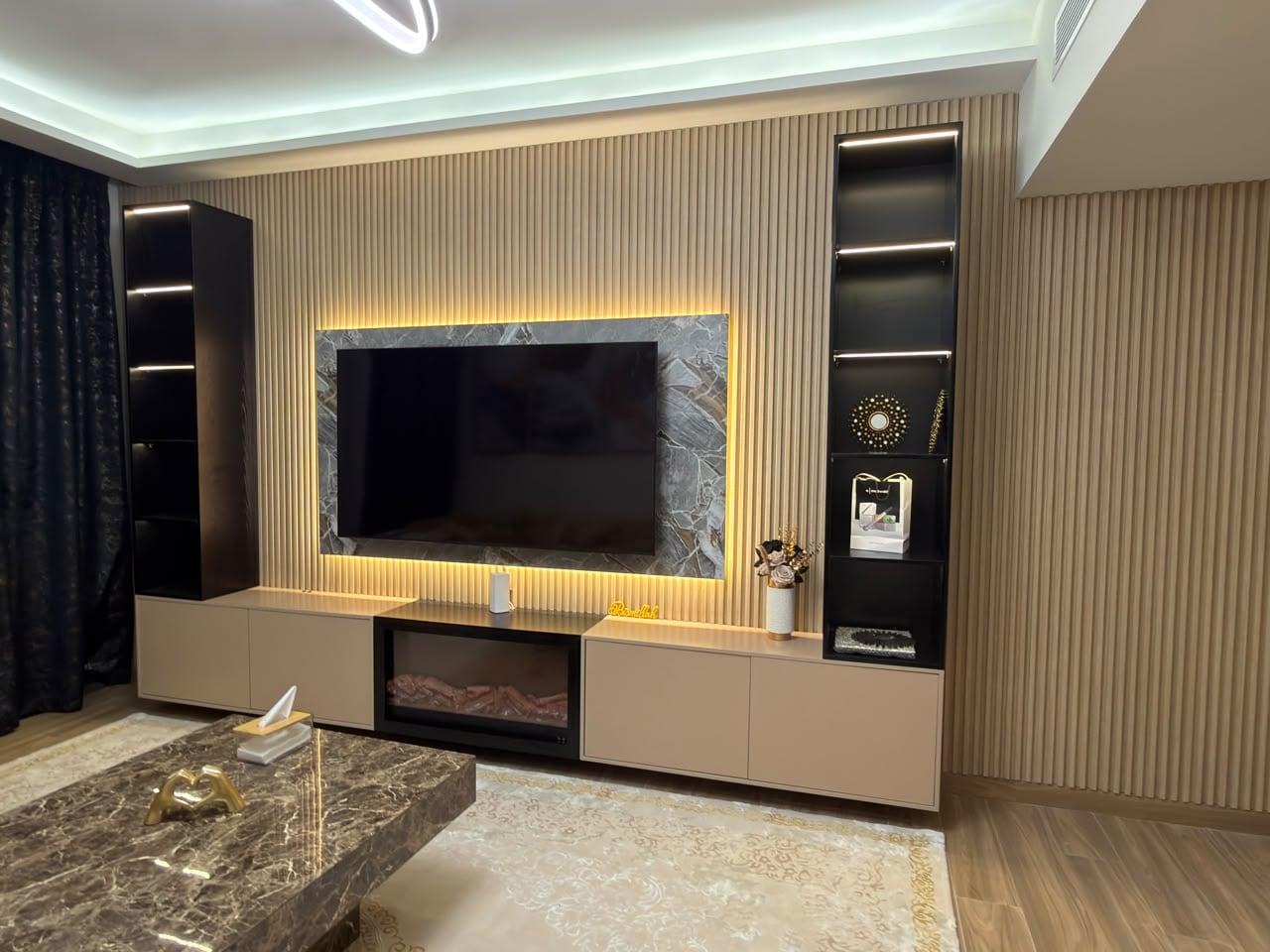
Once the size is chosen, tell us the exact model, or at least its dimensions, weight and VESA pattern. During the free visit the space is laser-measured, your true viewing distance is checked from the sofa, and the panel, console and any shelving are drawn around the screen with room for the next size up. New or moved sockets behind it are handled by our own team.
Pricing for our media walls starts at AED 3,500 per wall project; allow about ten days for the build once you confirm. See our media wall service, custom media walls and media walls in Sharjah.
Common questions
How big should my TV be 3 metres away?
At least 75 inches for everyday viewing, about 85 inches as an all-round choice, and as much as roughly 98 inches if you want films to feel like the cinema, using the field-of-view guidance RTINGS publishes.
What is the ideal viewing distance for a 55-inch TV?
About 1.7 m for a cinema feel and about 2.3 m for everyday viewing, by RTINGS' 40° and 30° figures. Beyond about 2.3 m, consider a larger screen.
What is the minimum viewing distance for a 100-inch TV?
By the same 40° guidance, about 3 m gives a cinema feel; for everyday mixed viewing at 30°, about 4.1 m. Closer than that, the screen fills more than 40° of your view, which many people find intense for everyday TV.
What is the recommended viewing distance for a 4K TV?
Choose by field of view rather than resolution: 30° to 40° of your vision. With 4K, the picture stays sharp at those distances, and LG notes that higher-resolution sets can be watched from closer without looking pixelated.
Is 85 inches too big for a living room?
Not if you sit about 2.6–3.5 m away, the range in which an 85-inch screen fills between 40° and 30° of your view. Closer than that, a 75-inch set is the more comfortable choice.
Will a 98-inch TV fit on our media wall?
It needs a screen width of about 217 cm, a panel of roughly 240 cm or more, a backing and bracket rated for its weight, and a delivery route through your building. We check all of these at the site visit.

Sources & specifications
Manufacturer information applies to the named products and systems. Sources reviewed on 27 October 2026.
- RTINGS: TV size to viewing distance (30°, 40° and 62° tables, screen dimensions)rtings.com(opens in a new tab)
- LG: TV size guide (SMPTE 30°, 1.2–1.6 × the diagonal)lg.com(opens in a new tab)
- Samsung UAE: things to consider before wall mounting your TVsamsung.com(opens in a new tab)
- VESA Flat Display Mounting Interface: patterns, screws and load limitsen.wikipedia.org(opens in a new tab)
Want this planned for your home?
Consultation and measurement are free. Tell us the rooms, location and what you need; we arrange a sample visit and define the measured quotation.